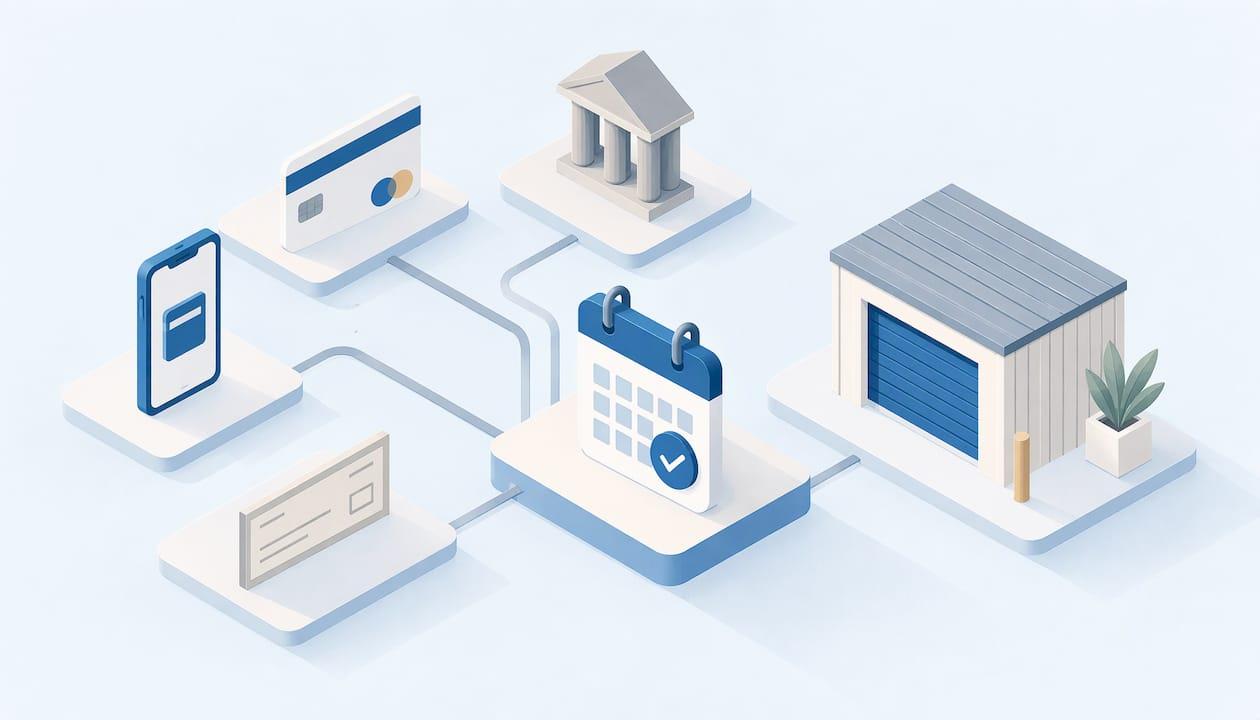
Most self-storage facilities let you pay rent online with a card or bank account, by phone, by mail or in person at the office. Online and autopay are the fastest and the easiest to keep track of. Mail is the slowest. Which one fits you depends on how often you want to touch the bill, how quickly a payment needs to post, and what your rental agreement says about due dates and late fees.
This guide walks through each way to pay, what information you need, how to set up or stop automatic payments, and what to do when a payment fails. It also covers how to keep storage costs predictable when you are in the middle of a move, a renovation or a semester break.
TL;DR
- Online payment and autopay are the fastest ways to pay storage rent. Phone and in-person payments usually post the same day, while mail can take days.
- For an online payment, have your unit number, the account email, and your card or bank details ready.
- You have the right to stop automatic bank withdrawals, but you need to tell both the company and your bank.
- If a payment fails, pay again by another method right away and read your rental agreement for late-fee and lien terms.
- Month-to-month rentals with online sign-up make it easier to start paying on day one without a trip to the office.
Table of Contents
- The main ways to pay for a storage unit
- Cards, bank accounts and cash: which payment type to use
- Setting up autopay
- What to do if a storage payment fails
- Fees, late charges and deposits
- Matching a payment method to your situation
- Keeping your account secure when you pay
- Our perspective
- Rent a unit in South San Antonio
- FAQ
- Sources
The main ways to pay for a storage unit
Self-storage operators in the U.S. generally offer the same handful of channels. Some operators offer all of them, others only a few, so your rental agreement and the facility's website are the final word on what you can use. One guide to paying storage bills describes the usual set as online, by phone, by mail or in person (Gerald).
Here is how the channels compare in practice.
| Method | Typical speed | Best for | Watch out for |
|---|---|---|---|
| Online account or payment page | Usually same day or instant | Everyday rent, paying from anywhere | Needs unit number and login details |
| Autopay (card or bank) | Automatic each billing cycle | Long-term units, people who forget due dates | Expired cards and changed accounts cause failures |
| Phone payment with a card | Usually same day | Quick fixes, questions about your balance | Office hours apply |
| In person at the office or kiosk | Immediate | Cash, check or money order payers | You need to be on site during hours or use a kiosk |
| Mail (check or money order) | Often 3 to 7 days to post | Those who prefer paper | Mail delays can push you past the due date |
The speed ranges above come from a general consumer guide, not from any single facility, so treat them as typical rather than guaranteed. Your own operator's page states its actual posting times.
Paying online
Online is what most renters choose, and it is also what most people search for when they want to pay a storage bill. Operators usually run a customer portal or a pay-online page on their website. You log in or look up your unit, enter a card or bank account, and the payment posts to your account.
One widely used storage software portal asks tenants to create an account with their unit number, gate code, email address and a password. To pay, you then enter the name on the account, billing address, billing ZIP code, card number, expiration date and CVV (Storage Commander payment portal guide). Your facility's portal may differ slightly, but those are the details to have ready.
A short checklist before you sit down to pay:
- Your unit number, which is on your rental agreement or move-in email.
- The email address you used when you rented.
- Your gate code, if the portal asks for it.
- A card or bank account with enough funds to cover rent and any fees.
- The billing ZIP code that matches the card.
Paying by phone, mail or in person
If you would rather not use a website, the office can usually take a card payment over the phone. A phone call also lets you ask what your balance is, whether a late fee has been added, and what your due date is. Paying in person at the office is the usual route for cash, checks and money orders, and it gives you a receipt on the spot.
Mail works for people who like paper, but it is the slowest channel. Plan for several days of transit and posting, and send it well before the due date. If you are close to the deadline, switch to online or phone instead.
Paying at a kiosk
Some facilities have a 24-hour kiosk on site. At Inline Storage, our 24/7 contactless self storage kiosk is part of how we handle renting without a trip to the office. If you pass the facility after hours, it is worth asking what the kiosk can do for your account, since a kiosk is built mainly for renting and access rather than for every kind of account task.
Cards, bank accounts and cash: which payment type to use
The channel is one choice. The payment type is another.
Credit card. Good for convenience, and some renters like the extra layer of dispute rights and rewards. Remember that a card with a changed number or expiration date will cause an autopay failure until you update it.
Debit card. Works like a credit card at the portal, but the money leaves your checking account immediately. Make sure the balance covers the rent on the day autopay runs.
Bank account (ACH). Many operators accept a checking account for recurring payments. It avoids card expiration problems, but it also means a payment can be pulled when your balance is low.
Cash, check or money order. These work at the office. Ask for a receipt for cash and write your unit number on the memo line of checks and money orders so the payment is matched to the right account.
Some operators add a processing fee for certain payment types, and the amount is set by the operator. Read the fee section of your rental agreement before choosing a card for a large balance.

Setting up autopay
Autopay means the operator charges your card or bank account each month on a set date. For most renters it is the best defense against a missed payment, especially when your life is busy with a move or a renovation.
To set it up:
- Log in to your online account or ask the office to enable recurring payments.
- Choose the card or bank account you want charged.
- Confirm the billing date and the amount, including any insurance or protection plan you carry.
- Save the confirmation email or screenshot.
- Add a calendar reminder for a few days before the first charge, to make sure the funds are there.
After the first cycle, check that the charge matches what you expected. If you later change cards or close an account, update it in the portal the same day.
How to change or stop autopay
You are in control of automatic payments. The Consumer Financial Protection Bureau says you have the right to stop a company from taking automatic payments from your bank account, even if you previously allowed them. Its steps are to contact the company by phone and in writing to revoke permission, then contact your bank or credit union by phone and in writing, and some banks may also require a stop payment order (CFPB).
In practice, the cleanest way to end autopay when you move out is to do three things together: give the facility your move-out notice as your agreement requires, ask to cancel recurring payments in writing, and check your next statement to confirm no new charge appears. Stopping autopay does not by itself end your rental. If you stop paying without giving proper notice, the unit may still be rented to you and rent can still be owed.
What to do if a storage payment fails
A failed payment is common, and usually fixable the same day.
- Check the reason. Look at the error message or email. Typical causes are an expired card, a wrong billing ZIP code, insufficient funds or a bank that flagged the charge.
- Try again with another method. Use a different card, pay by phone, or pay in person. Do not wait for the next autopay cycle.
- Call the office. Explain what happened and ask what the balance is now, whether a late fee applies, and how to note the payment attempt on your account.
- Keep proof. Save the confirmation number, receipt or screenshot once the payment goes through.
- Update your autopay details. If the card was the problem, replace it in the portal.
Do not ignore a past-due balance. Texas has a statute on self-service storage facility liens, and under it a lien attaches on the date the tenant places property at the facility (Texas Property Code, Chapter 59). That is why it pays to read the default and lien terms in your own rental agreement, and to talk to the office early if money is tight. Questions about your specific rights are best put to a Texas attorney or your local legal aid office. The version linked here is the 2005 compilation, so check the current code for any changes.
Fees, late charges and deposits
The monthly rent is only part of what can appear on a storage bill. Depending on the operator, you may also see:
- An administrative fee at move-in.
- A security deposit, where the operator uses one.
- Insurance or protection charges.
- Late fees after a grace period.
- Lock or merchandise purchases.
Ask for a written breakdown before you sign, and keep a copy. Our guide to how storage unit deposits and move-out refunds work explains the rules behind getting a deposit back. If you are shopping for savings, how to find storage discounts and move-in specials shows where to look and what to ask.
Move-out can add a cost too, since units are expected to be left clean. If you want a sense of what professional help costs, storage facility cleaning costs give a general idea, though local prices will differ in San Antonio.
Insurance is a separate line in many budgets. Before you rely on any plan, read how to get your off-premises limit in writing so you know what is covered.
Matching a payment method to your situation
Different renters have different needs. Here is how the options tend to fit.
Relocating for a few weeks or months. Your address and bank details may change mid-rental. Use an online account with a card you will keep, and set a reminder to update autopay if anything changes. Month-to-month terms keep the commitment short; see our guide to same-day touchless month-to-month storage.
College students storing over the summer. Parents often pay. Decide who owns the account, who gets the email receipts, and whether autopay should run on a parent's card. Our student summer storage guide covers choosing the right option quickly.
Small business owners. Pay with a business card or business checking account so rent is easy to track at tax time. Ask the office to put the business name on the account and keep receipts for each month.
Families decluttering or renovating. You may not know how long the project will last. Pick monthly billing, set autopay for the first months and review at each statement whether you still need the space or a smaller unit.
RV and boat owners. Vehicle spaces are billed monthly like units. If you pay seasonally, ask how a pause or a move-out date is handled before you start. You can look at our RV storage and boat storage options.
Anyone who needs accessible access. Payment and access are both easier when the facility is set up for you. See our checklist on accessible storage units and easy touchless renting.
Keeping your account secure when you pay
Paying online means handing over card or bank details, so a few habits help:
- Type the facility's web address yourself or use a bookmark, rather than clicking a link in an unexpected text or email asking for payment.
- Use a strong, unique password for your storage account.
- Never share your gate code or account login with anyone you do not trust. Our overview of storage access control with kiosks and video explains how codes work.
- Review statements monthly and report any charge you do not recognize to the office and to your card issuer.
For wider questions about site safety, see our renter checklist on whether storage units are safe.
Our perspective
We built Inline Storage around a simple idea: renting storage should not take a trip to the office or a stack of paperwork. That is why we offer Touchless Rentals™, so you can rent a unit online with minimal physical interaction, and why we have a 24-hour kiosk for people whose schedules do not match office hours.
Payment is where many renters get stuck, and it is rarely the price. It is a forgotten due date, an expired card or a login they never set up. Our advice is to decide how you will pay on the day you rent, not a month later. Pick one method, make sure it is one you will still have in six months, and keep the confirmation.
Flexible month-to-month leases help here too. You are not locked into a long term while your plans change, whether you are between homes, clearing a house for a renovation or storing inventory for a growing business. Paying month to month in a facility with gated access, video surveillance and drive-up access means your biggest decisions are the size of the unit and how long you need it.
We would rather you ask a question about billing before you rent than find out about it on a statement. If you are unsure which payment route suits you, tell us how long you expect to store and how you like to pay.
Ian
Rent a unit in South San Antonio
If you are ready to rent, we make it simple to start. Inline Storage offers secure units in South San Antonio in a range of sizes, with climate-controlled options, drive-up access, gated entry and video surveillance, plus space for RVs and boats.

Browse our self-storage units to pick a size and start a Touchless Rentals™ reservation. Not sure of the size? Our 10x10 units suit many one-bedroom moves, and our drive-up storage size guide helps you match a unit to a 1 to 2 bedroom home. You can also see all unit sizes, and if you are unsure how to pay, ask us when you rent.
FAQ
Can I pay my storage unit bill online without creating an account?
It depends on the operator. Some let you pay with just your unit number or phone number, while others require you to create a login with your unit number and email first. Check the facility's pay-online page or call the office if you are unsure. Having your unit number and card details ready makes the process quick either way.
How long does a storage payment take to post?
Online, phone and in-person payments typically post the same day, while payments sent by mail commonly take a few days longer (Gerald). Because posting rules vary, pay a few days before the due date if you use mail or a bank transfer. Your facility's page states its own timing.
How do I stop automatic storage payments?
Contact the storage company by phone and in writing to revoke permission, then contact your bank or credit union the same way. Some banks may also ask for a stop payment order, according to the CFPB. Also give your move-out notice, since stopping payments does not end the rental on its own.
What should I do if my card is declined?
Try another card or a different channel, such as paying by phone or at the office. Then call to confirm the balance and any late fee, and save the confirmation. Update your autopay details so the next cycle does not fail the same way.
Is month-to-month storage easier to pay for?
Many renters find it simpler because you pay for one month at a time and can leave when your plans change. You still need to follow your agreement's notice terms when you move out. Our month-to-month storage guide explains how it works.
Sources
- CFPB: How do I stop automatic payments from my bank account?
- Storage Commander Online Payment Portal 2.0 guide
- How to Pay a Storage Unit Bill Online and Fast
- Texas Property Code, Chapter 59: Self-Service Storage Facility Liens
- Storage facility cleaning costs