
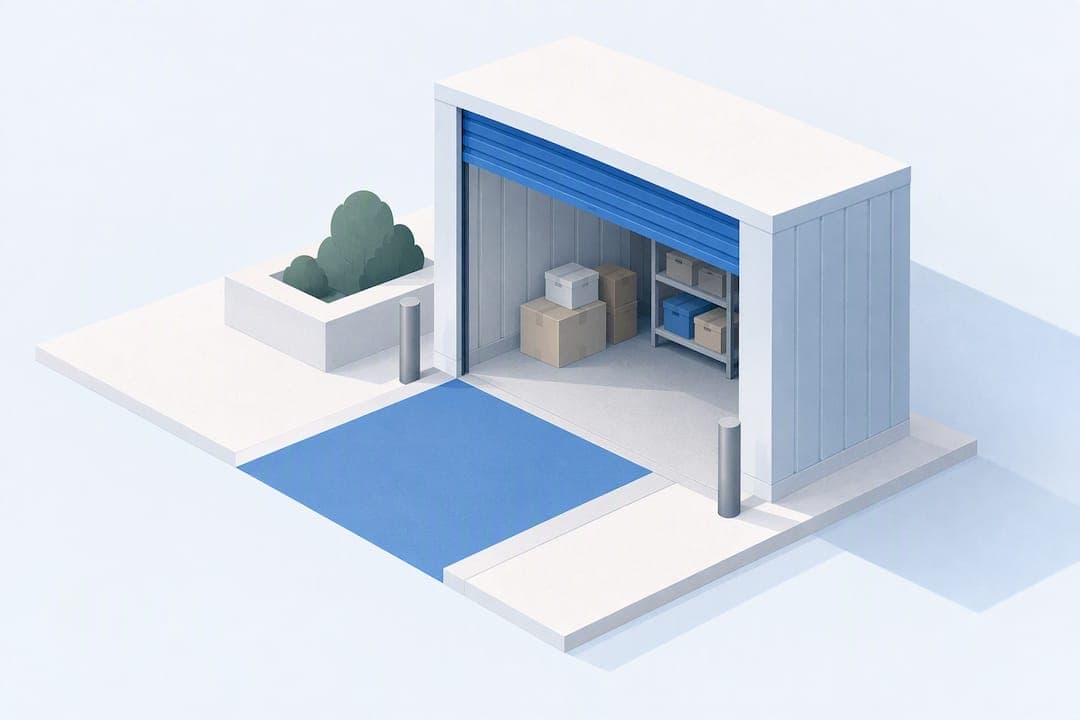
We recommend booking an accessible storage unit through a facility that offers touchless online rentals, drive-up access, and transparent pricing, since those three features together remove the biggest friction points for renters with mobility needs or tight schedules. At Inline Storage, you can check unit sizes, confirm accessibility features, and reserve a space online or at the 24-hour kiosk in a few minutes.
TL;DR:
- Before booking, confirm the door width, a roughly half inch threshold, and ground floor placement, especially if you use a wheelchair or walker.
- A 5x10 unit fits a one bedroom apartment, while 10x10 suits a two bedroom home; 10x20 to 10x30 spaces can hold a house or vehicle.
- Check whether insurance is required and deposits are refundable, and make sure the checkout shows rent, fees, and taxes before you pay.
- Ground floor and drive up units may cost more than interior or upper floor spaces, so weigh the access premium against carrying distance and effort.
- Test the gate code on the day you rent, photograph the unit's condition, and report any mismatch promptly while requesting written confirmation of changes.
Table of Contents
- Storage unit sizes and what each one fits
- Accessibility features that actually make a unit easy to use
- Pricing, fees, and how to spot full cost disclosure
- How to rent an accessible storage unit online or at a kiosk
- Facility access and security: what to expect and verify
- Why Inline Storage fits accessible renters
- Timeline: from selection to move-in
- Author perspective: practical advice from the field
- Reserve your unit with Inline Storage
- FAQ
- Sources
Storage unit sizes and what each one fits
Picking the right size before you book saves a second trip and an awkward unit swap. Most facilities organize units from small lockers to garage-sized spaces, and each size tends to suit a predictable set of needs.
- 5x5: holds boxes, seasonal items, or a studio apartment's worth of belongings.
- 5x10: fits a one-bedroom apartment's furniture plus boxes, similar to a walk-in closet.
- 10x10: handles a two-bedroom home's contents, including a couch, mattress, and appliances.
- 10x15: covers a three-bedroom move with larger furniture and more boxes.
- 10x20 to 10x30: fits a full house, vehicle, or small business inventory, roughly the size of a one or two-car garage.
Larger units and ground-floor spaces are more likely to offer drive-up storage sizes you can pull a vehicle right up to, while smaller and climate-controlled units often sit inside a building.
Accessibility features that actually make a unit easy to use
Accessibility isn't one feature. It's a combination of small design choices that either reduce physical effort or add to it. Before you book, confirm these details.
- Drive-up access: lets you load and unload straight from your car or truck, cutting out long hallways and repeated trips.
- Door hardware: look for pull-ropes or straps on roll-up doors and handles mounted between 34 and 48 inches high, within easy reach from a seated or standing position.
- Low thresholds: a door lip close to half an inch, rather than several inches, makes a major difference for wheelchairs, walkers, and hand trucks.
- Ground-floor placement: removes dependence on elevators and puts you closer to accessible parking spots.
- Kiosk and gate ergonomics: check that touchless rental kiosks, keypads, and gate controls sit at a reachable height with decent lighting at night.
The 2010 ADA Standards for Accessible Design describe accessible routes and parking requirements that apply to many public-facing facilities, so it's reasonable to ask a facility how its layout lines up with those guidelines.
Pro Tip: Call or check the facility's site for a unit's door width and threshold height before you reserve, especially if you'll be using a wheelchair, walker, or heavy dolly.

Pricing, fees, and how to spot full cost disclosure
Storage pricing isn't always just "rent per month." Knowing the full cost structure before you sign keeps surprises off your statement.
- Base monthly rent: the advertised price for the unit size and type you choose.
- Admin or setup fees: a one-time charge added at move-in, separate from monthly rent.
- Taxes: applied based on your local jurisdiction.
- Insurance or protection plans: often optional, but some facilities require proof of coverage.
- Deposits: some are refundable at move-out, others are not, so confirm which kind you're paying.
Facilities often use tiered, "good-better-best" pricing, charging a premium for ground-floor or near-kiosk units because renter demand data shows that price and convenient access are the top two factors renters weigh when choosing a unit. Paying a little more for a ground-floor, drive-up space often costs less than the time and strain of hauling items through a long interior hallway.
The total price should be visible before you pay, not buried in a later email. The FTC's settlement guidance on misleading pricing makes clear that total cost and payment terms need to be disclosed clearly, which is why a trustworthy checkout screen itemizes rent, fees, and taxes before you confirm. If a listing feels vague, ask the facility directly for a written, itemized cost summary.
How to rent an accessible storage unit online or at a kiosk
Renting a unit without ever speaking to staff is now standard at many facilities, and the process usually follows the same few steps.
- Pick your size and confirm accessibility details. Check door width, threshold height, and whether the unit is ground-floor or drive-up before you add it to your cart.
- Review the billing screen in full. Confirm the monthly rent, any admin fee, deposit terms, and promo conditions line up with what was advertised.
- Complete payment and get your gate code. Most touchless systems issue a code and receipt instantly, so test the code at the gate the same day if you can.
- Flag problems immediately. If the unit doesn't match what you booked, contact the facility, ask for a different unit, and request written confirmation of any change.
Facilities offering month-to-month touchless rentals typically let you complete this whole sequence from a phone or tablet, without visiting an office.
Facility access and security: what to expect and verify
Easy access and security aren't competing priorities. The best accessible facilities handle both at once.
- Gated entry with a personal code: controls who enters the property, day or night.
- Video surveillance: covers common areas, driveways, and often individual hallways.
- 24-hour kiosks: allow contactless check-in, payment, and gate access without staff present.
- Lighting: well-lit drive aisles and entrances matter as much for safety as for accessibility after dark.
Before you move in, photograph the gate and kiosk location, confirm camera coverage near your specific unit, and note the facility's posted access hours. A renter security checklist that covers verifying footage retention and camera angles is worth reviewing if security is a top priority for you.
Why Inline Storage fits accessible renters
Inline Storage maps directly onto the accessibility checklist above, which is part of why we recommend starting there.
- Touchless Rentals™ let you select a size, confirm pricing, and complete payment online without visiting an office.
- Drive-up access is available across multiple unit sizes, reducing the need to carry items through hallways.
- 24-hour kiosks provide contactless check-in and gate access at all hours.
- Video surveillance and gated entry enhance security coverage throughout the property.
- Unit sizes from 10x10 to 10x20 give you a range to match your load without overpaying for space you won't use.
Timeline: from selection to move-in
A typical accessible storage rental moves faster than most people expect. Here's what the process looks like from start to finish.
Day 1, minutes 1 to 10: You browse available sizes online, check accessibility details like door width and drive-up availability, and compare monthly rent across a few options.
Day 1, minutes 10 to 20: You select a unit, review the full billing screen including any admin fee or deposit, and enter payment information through a touchless rental system.
Day 1, minutes 20 to 25: You receive a gate code and digital receipt by email or text, confirming your unit number and access hours.
Day 1, same visit (optional): Many renters drive to the facility the same day to test the gate code, confirm the unit matches the listing, and start moving items in immediately.
Within the first week: You finish moving belongings in, photograph the unit's condition for your own records, and set a reminder for your next billing date if you're on a month-to-month lease.
From browsing to a working gate code, the entire process often takes under half an hour online, with move-in happening on your own schedule rather than a facility's office hours.
Author perspective: practical advice from the field

Accessibility only matters if it's checkable before you pay, not promised after. I'd rather see a facility post exact door widths and threshold heights than lean on vague marketing language.
Test your gate code the day you rent, and photograph your unit's condition at move-in. If mobility or health concerns are part of your decision, a touchless rental with drive-up access saves real effort compared to in-person leasing with interior units.
— Ian
Reserve your unit with Inline Storage
Accessible storage is simple: book through a Touchless Rentals system or walk up to a 24-hour kiosk, and you'll receive a gate code quickly. Unit sizes run from compact lockers to 10x30 garage-style spaces; for current prices, check the facility's website.

If you're clearing out a space before you store your belongings, our partner's guide to junk removal pricing can help you plan that step separately. When you're ready to reserve, start with one of these pages:
- Self-storage units
- South San Antonio storage solutions
- 10x10 Storage Units
- 24/7 Contactless Storage Kiosk
FAQ
Can I sleep in a storage unit during the day?
No. Storage units are built for storing belongings, not for living or sleeping in, and most facilities prohibit overnight stays in their rental agreements for safety and code reasons.
What does ADA mean for storage?
ADA refers to accessibility standards that guide features like accessible routes, parking, and door design at public-facing facilities. The 2010 ADA Standards for Accessible Design outline the specific elements facilities should address for accessible access.
What is a drive-up access storage unit?
A drive-up unit lets you park your vehicle directly in front of your storage space and load or unload without walking through hallways or using an elevator. Exterior drive-up units account for 55.7% of self-storage rentals, making them the most common choice among renters.
What is the cheapest way to get storage?
Smaller units, interior spaces, and upper floors typically cost less than ground-floor or drive-up units, since convenient access often carries a premium. Comparing a few sizes and asking for a full, itemized price breakdown before booking helps you find the lowest total cost for your needs.
Sources
- Self storage report — RentCafe (Aug 2025)
- When the price is wrong: $175 million FTC settlement with Progressive Leasing shows why cost clarity is key | FTC
- Ada
- Delving into the customer mindset | Modern Storage Media